






About
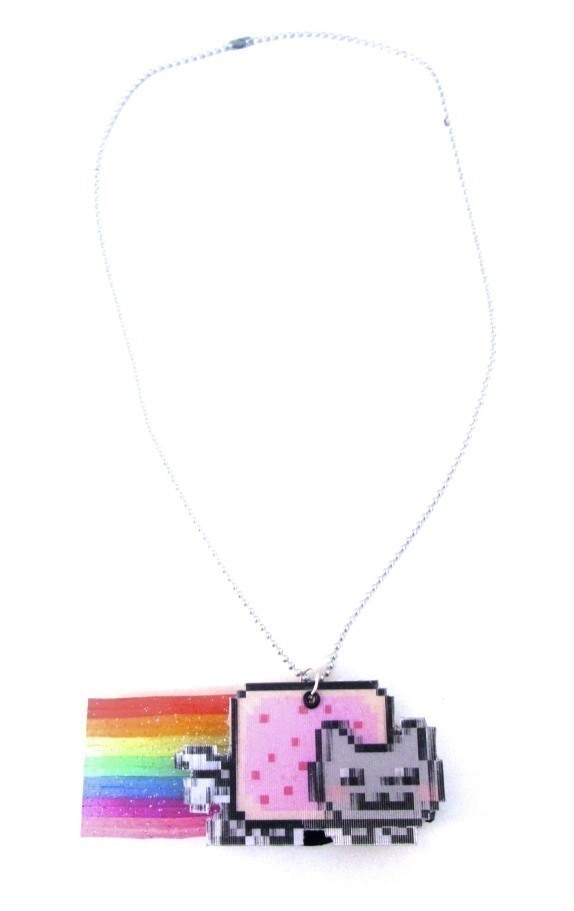
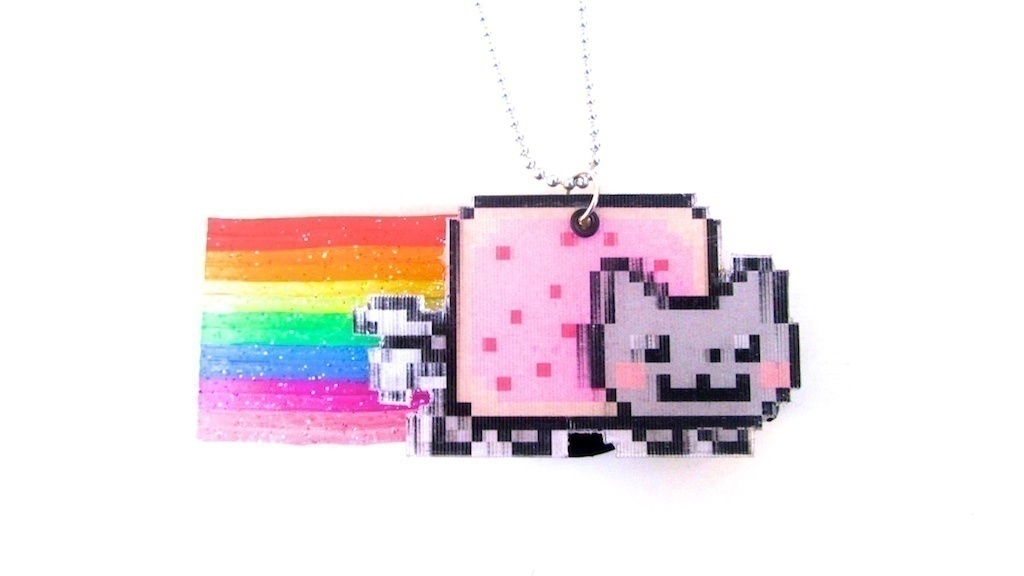
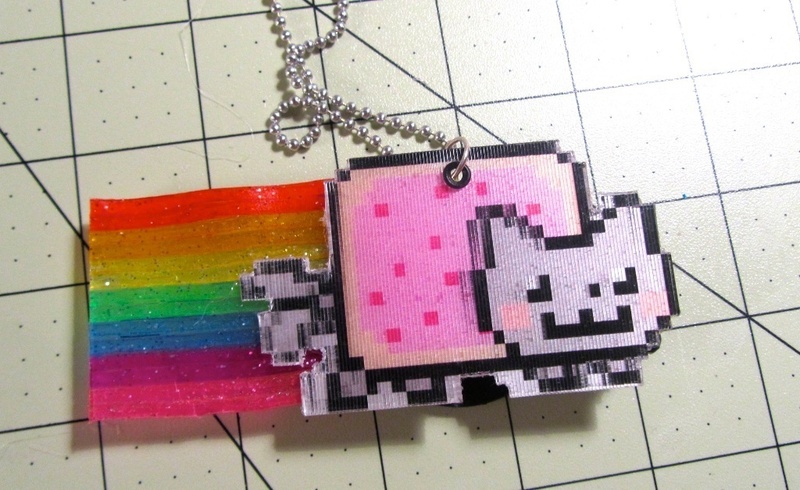
The "world's first animated GIF" lenticular necklace with audio for Lauren Out Loud!
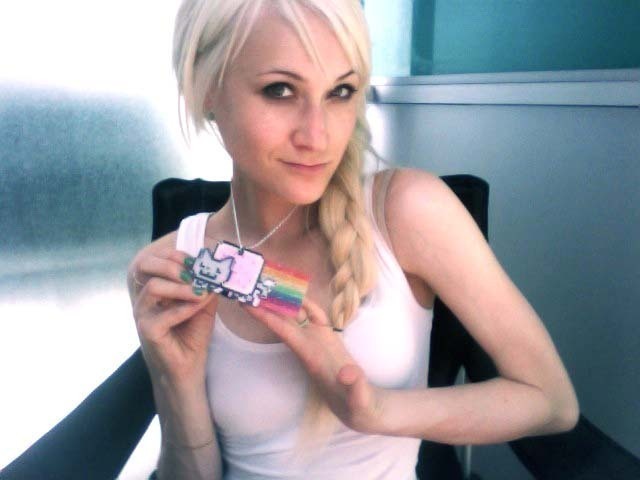
For this week's Crafter To The Stars I'm making the "world's first animated GIF necklace" of Nyan Cat (with audio) for professional Interneter, TV presenter, blogger and geeky blondebot Lauren O’Nizzle. I'm also giving you the chance to win your very own Nyan Cat necklace on my blog, so make sure to enter!

Lauren is amazing at finding the funniest GIFs and posting them by the bucketload on her hilarious blog, so the idea of making her an animated gif necklace came pretty quickly, though figuring out how to do it was a little more complicated. I used a lenticular sheet for the body Nyan Cat, so he runs when you move him from side to side and if you push a little button, the theme tune plays from a sound recorder glued to the back.

Tags
-
 Xfluffy_unitatoX favorited Animated GIF Nyan Cat Necklace
17 Nov 04:28
Xfluffy_unitatoX favorited Animated GIF Nyan Cat Necklace
17 Nov 04:28
-
 chelsea g. favorited Animated GIF Nyan Cat Necklace
25 Aug 00:59
chelsea g. favorited Animated GIF Nyan Cat Necklace
25 Aug 00:59
-
 Rose K. favorited Animated GIF Nyan Cat Necklace
19 Aug 06:05
Rose K. favorited Animated GIF Nyan Cat Necklace
19 Aug 06:05
-
 mmotse03 favorited Animated GIF Nyan Cat Necklace
07 May 02:45
mmotse03 favorited Animated GIF Nyan Cat Necklace
07 May 02:45
-
 Cat Morley replied to a comment on her project Animated GIF Nyan Cat Necklace
22 Dec 15:18
Cat Morley replied to a comment on her project Animated GIF Nyan Cat Necklace
22 Dec 15:18
-
Cat Morley replied to a comment on her project Animated GIF Nyan Cat Necklace
22 Dec 15:17
-
Cat Morley replied to a comment on her project Animated GIF Nyan Cat Necklace
22 Dec 15:17
-
Cat Morley replied to a comment on her project Animated GIF Nyan Cat Necklace
22 Dec 15:17
-
Jenny S. favorited Animated GIF Nyan Cat Necklace
22 Aug 02:02
-
 Hello Sweet Taco favorited Animated GIF Nyan Cat Necklace
20 Aug 10:08
Hello Sweet Taco favorited Animated GIF Nyan Cat Necklace
20 Aug 10:08
You Will Need
-
 Step 1
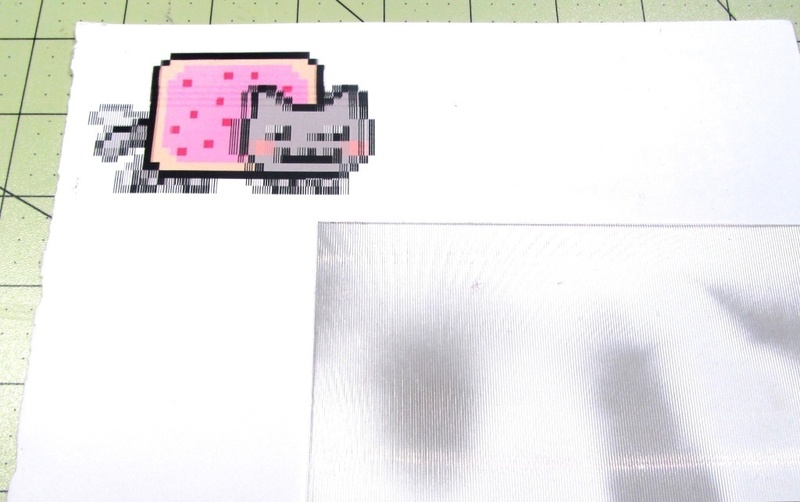
For this project, you'll need a lenticular sheet. I got one free with a photo and just peeled the original picture from the back and used WD40 to remove any left over stickiness.
The trickiest part is getting your image just right. Measure the spacing on the lenticular sheet and then use Lenticular Software ( I used Lentikit at http://lentikit.sourceforge.net) to create an image to match. Play around with the number of frames and the size of your image until you find something that works perfectly!
-
 Step 2
Cover the image with double sided sticky back plastic.
-
 Step 3
Carefully line the lenticular sheet up with the image and stick on top.
-
 Step 4
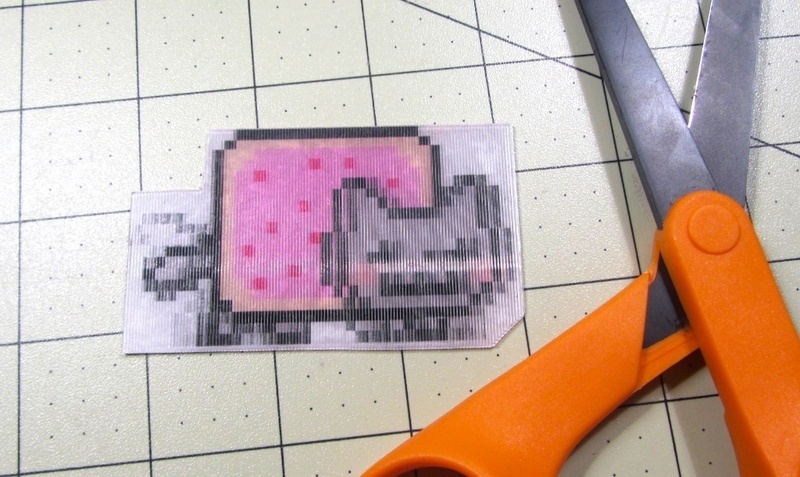
Neatly cut around the outline with a pair of scissors, being carefully not to cut any of the moving pixels off.
-
 Step 5
Use a cutting knife to cut out the trickier bits.
-
 Step 6
Keep going until you're left with just the frames of Nyan Cat and nothing else.
-
 Step 7
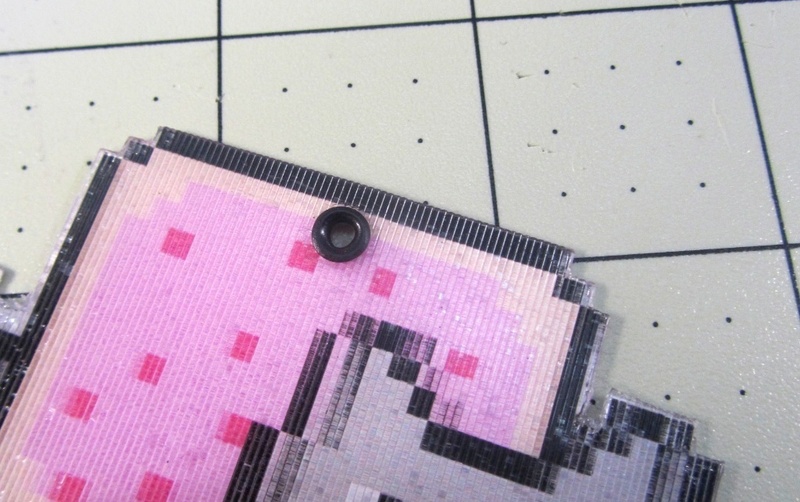
Punch a hole through the top of Nyan Cat with a small hole punch.
-
 Step 8
Punch an eyelet through the hole, to give it a neat finish.
-
 Step 9
To make the rainbow, we're going to use lots of plastic strings. These used to be know as scoubidous and really popular a few years ago.
-
 Step 10
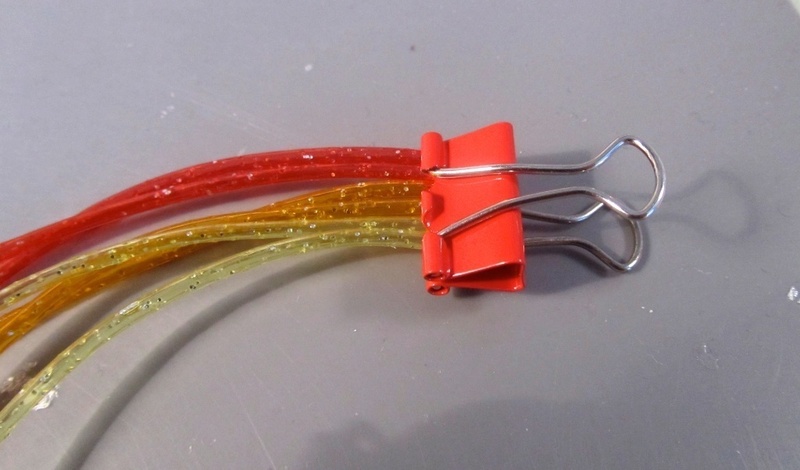
Clip the strings together in order of the rainbow. I used two strings to get the right height on my rainbow.
-
 Step 11
Place some waxed paper over top and iron.
-
 Step 12
The strings will fuse together nicely.
-
 Step 13
Cut a piece of clear plastic to match the size of your rainbow.
-
 Step 14
Glue the rainbow on to the plastic.
-
 Step 15
Now for the fun part. Record the Nyan Cat theme tune on to a greeting card sound recorder. I found mine on eBay and it was really cheap.
-
 Step 16
Glue the rainbow and sound recorder to the back of Nyan Cat with a hot glue gun.
-
 Step 17
Glue the speaker and the play button on top. You can just cut off the extra cables.
-
 Step 18
Attach a jump ring and clip on to a necklace chain and you're all done!
-
Step 19
Here's a video of the necklace in action.
-
Step 20
And here's what Lauren thought of it!







Comments


 1
Watercolor Art »
Watercolor Paints Made From Make Up
1
Watercolor Art »
Watercolor Paints Made From Make Up