




About
How to get pictures on the threads
Frequently asked question is how do I publish photos of swaps?
I personally use Flickr and Photobucket.Flickr give more control over image size.Photobucket makes awesome collages.
-
 lynn.wagner.501 added How To Post Images to Projects
26 Sep 21:08
lynn.wagner.501 added How To Post Images to Projects
26 Sep 21:08
-
 Cake favorited How To Post Images
06 Sep 17:41
Cake favorited How To Post Images
06 Sep 17:41
-
 Birgit favorited How To Post Images
31 Aug 06:18
Birgit favorited How To Post Images
31 Aug 06:18
-
 Step 1
Take you picture load it onto your computer.Pammerz does a fancy thing with her phone.Image size must be less than 5M for it to load.
-
 Step 2
Open photo web site.
-
 Step 3
Choose to upload file
-
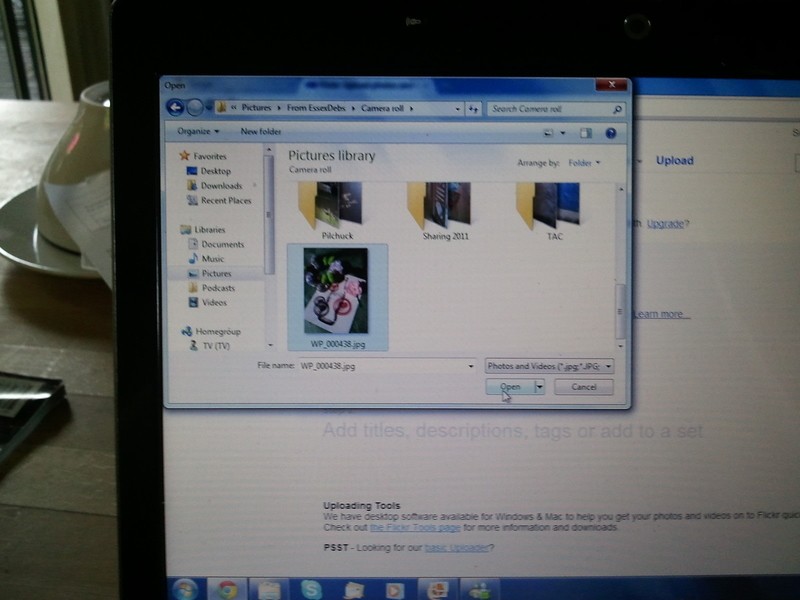
 Step 4
Select file from your computer
-
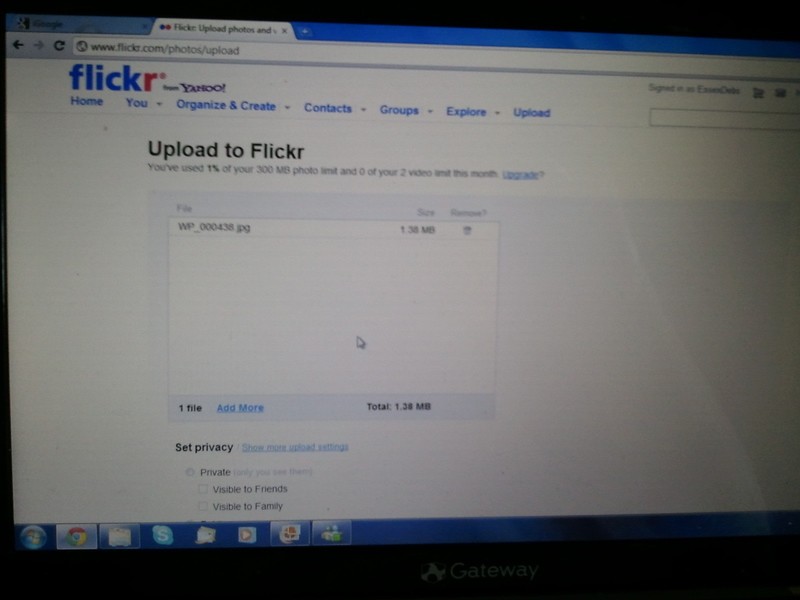
 Step 5
Upload
-
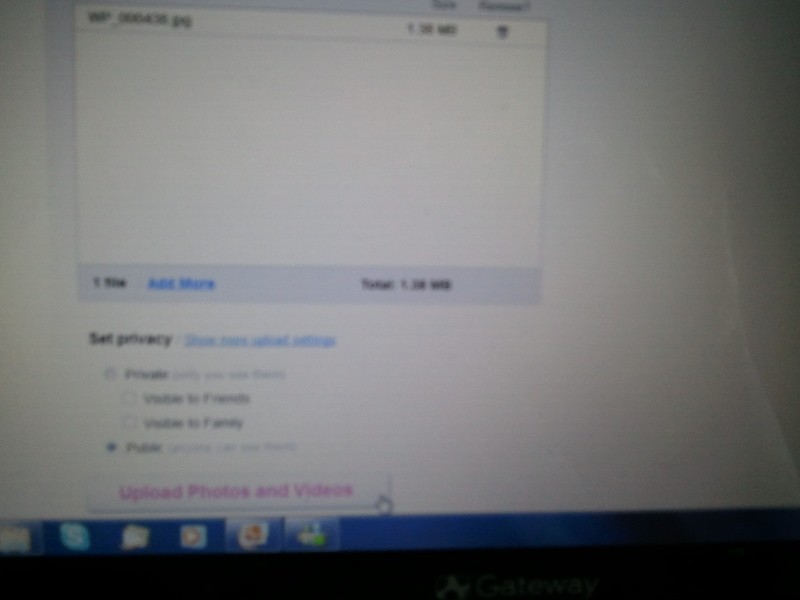
 Step 6
Scroll down and start upload
-
 Step 7
add description
-
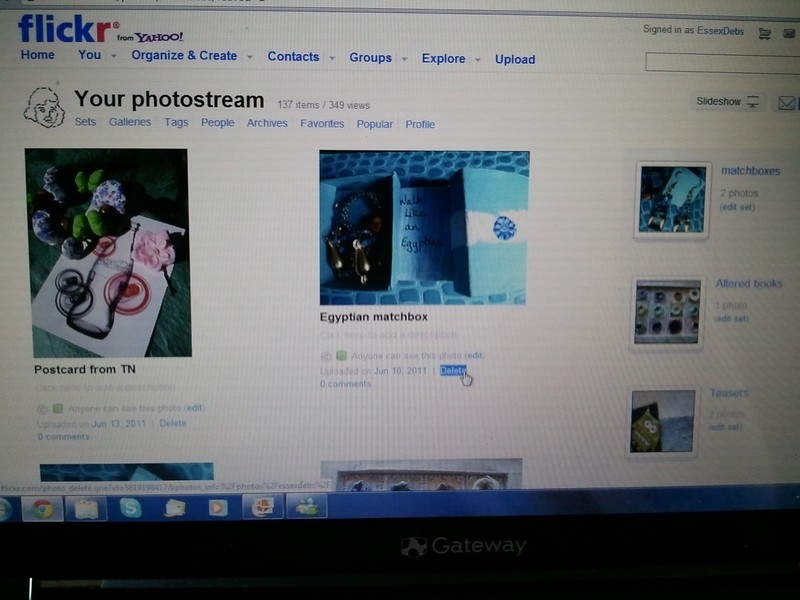
 Step 8
Saved and in stream
-
 Step 9
Select size
-
 Step 10
Copy HTML
-
 Step 11
Open thread
-
 Step 12
Paste in code and add text
-
 Step 13
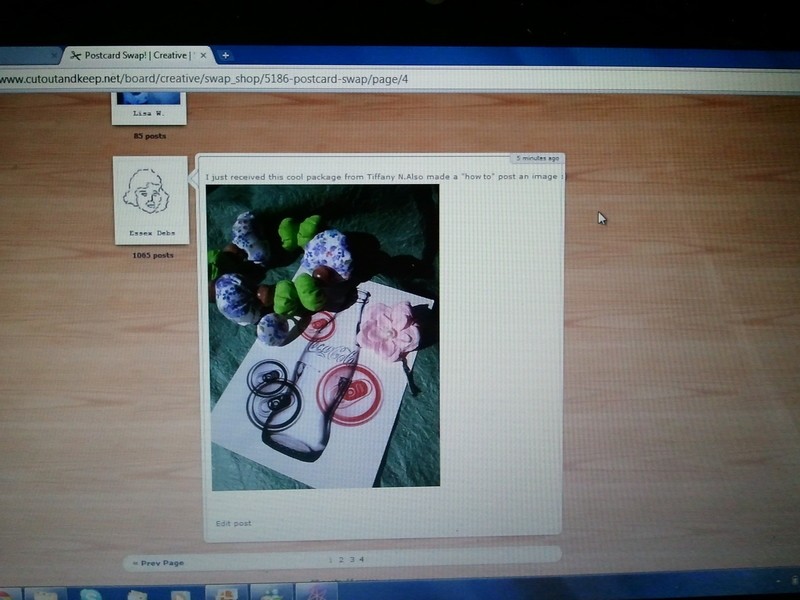
There is the picture in the post.Always double check that it has loaded and the text is accurate ;0)
-
Step 14
If you are using Photobucket to create collages you can resize them to fit into thread.This function is at the top of editing window hit the resize box.Much thanks to bindiibabe for getting me through this one !
-
Step 15





Comments


 thanks