

Log in or Sign up to remove sponsor

You Will Need

    • PROJECT BUDGET
    • Free
10 minutes
Pretty Easy

Create A Digital Halftone Print

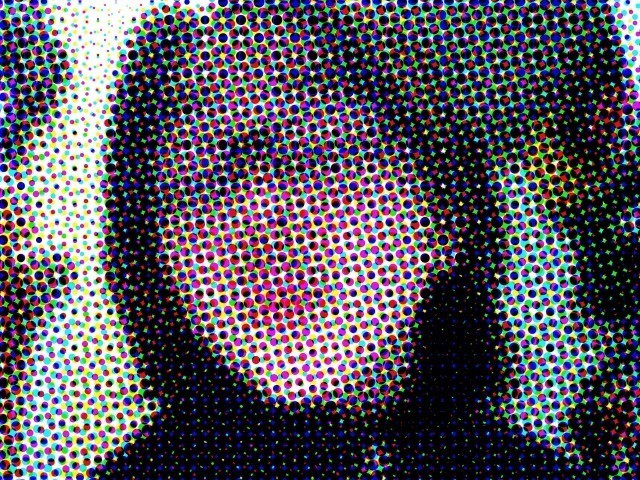
  • Completed Project: Create A Digital Halftone Print Picture #1
  • Completed Project: Create A Digital Halftone Print Picture #2

a cartoonish image
 <  Image 1 of 2  > 

this is a great cartoon-comic image to create

its fun and easy

Share on: Facebook | Twitter | StumbleUpon

Add to a List Add to Favorites Add Your Version


  1. Step 1

    Step 1

    first choose your image

    now open it in photoshop

  2. Step 2

    Step 2

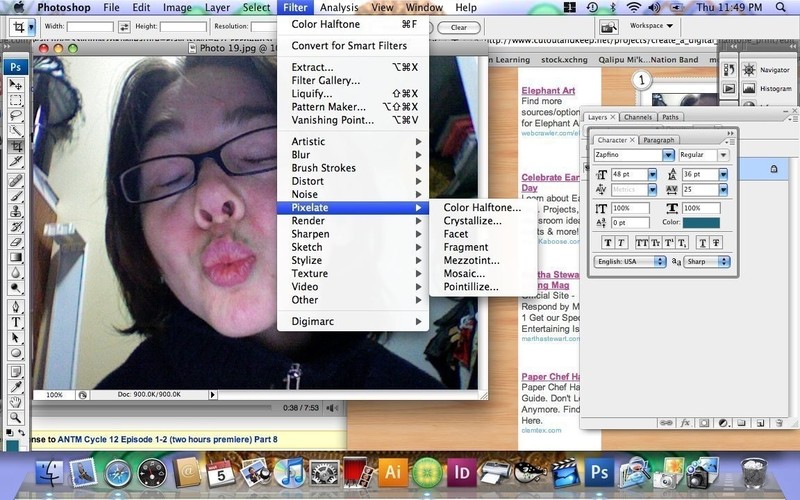
    in photoshop

    go to filters > pixelate>halftone


  3. Step 3

    Step 3

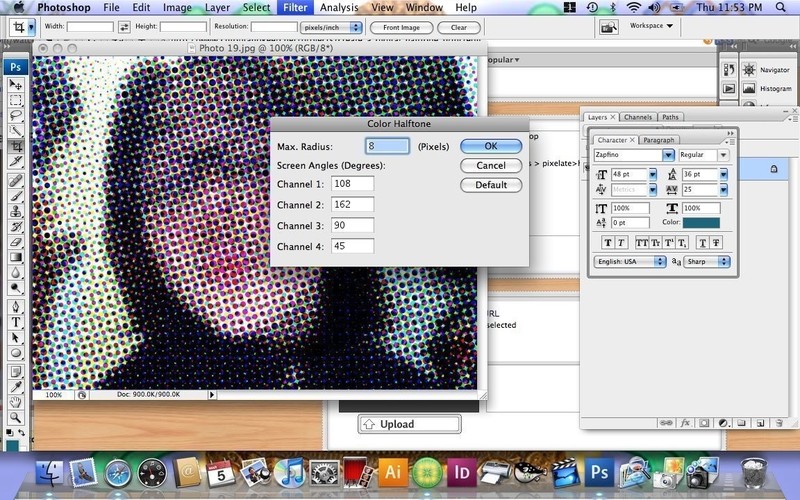
    in MAX. RADIUS type 4

    or experiment my multiples of 2

    like 4, 6, 8.10....

More from Photo ManipulationSee All »
  • Neon Photo
  • Create A Digital Halftone PrintHow To

See more Photography

People who love this project (1)See All »

Leave a Comment

Sorry...

You need to Sign Up and log in to leave comments


kiddo

kiddo

06 Mar 23:34

You look adorable my dear!

michelle G. Posted By:
michelle G. »
March 06, 2009 12:56
Hr

See the projects A-Z »


Advertise here

Hr

Hr

Popular tags: Dressmaking / Tailoring, Revamping, Painting & Decorating, Christmas, Decorating, Gothic, Clothing & Fabric, and Beadwork

Hr

Get the latest projects!
Fbpage Become a Fan on Facebook
or
Follow us on Twitter